 Capy Scan
Updated 2026-11-08

Looking for a
Microsoft Lens alternative?
According to Microsoft's announcement, the Microsoft Lens app could scan until March 9, 2026, and was removed from the App Store on February 9, 2026 (past scans stay viewable in the installed app). We could not find it on the US or Japan App Store on November 8, 2026. Microsoft recommends the scanning feature in OneDrive. If you would rather use a scanner that keeps everything on your iPhone, Capy Scan is built for the simple thing: point, scan, and get a PDF.
What to check in a replacement
- Does it need an account? — Some apps keep your scans in an online account; others save them only on your device
- Where do your documents go? — Some apps send pages to a server to read the text
- Subscription or page limits? — Free can turn into a paywall when you need to export what you scanned
- Watermarks — A watermark on a work document means you can't send it as is
The Notes and Files apps on your iPhone can also scan documents. If all you need is a quick PDF, try those first.
What keeps working the same way
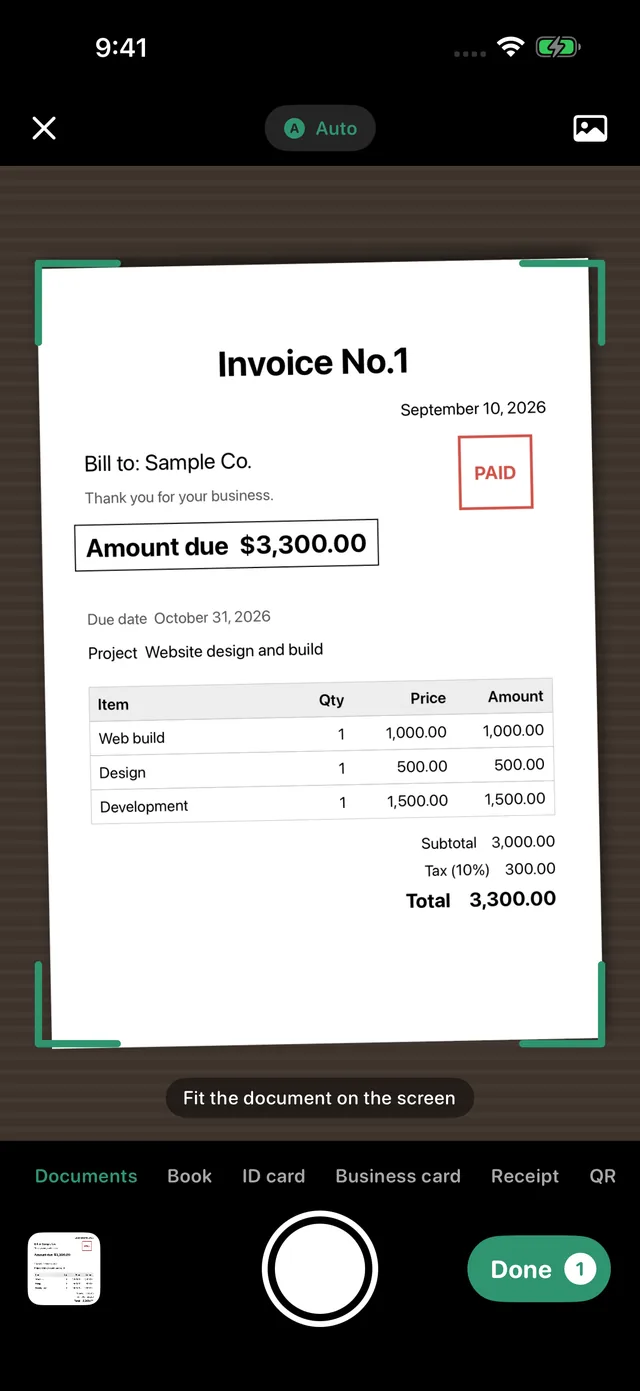
- Hold your iPhone over a page: Capy Scan finds the four corners and captures it automatically
- PDFs are saved on your iPhone and in the Files app, ready to share, print or email
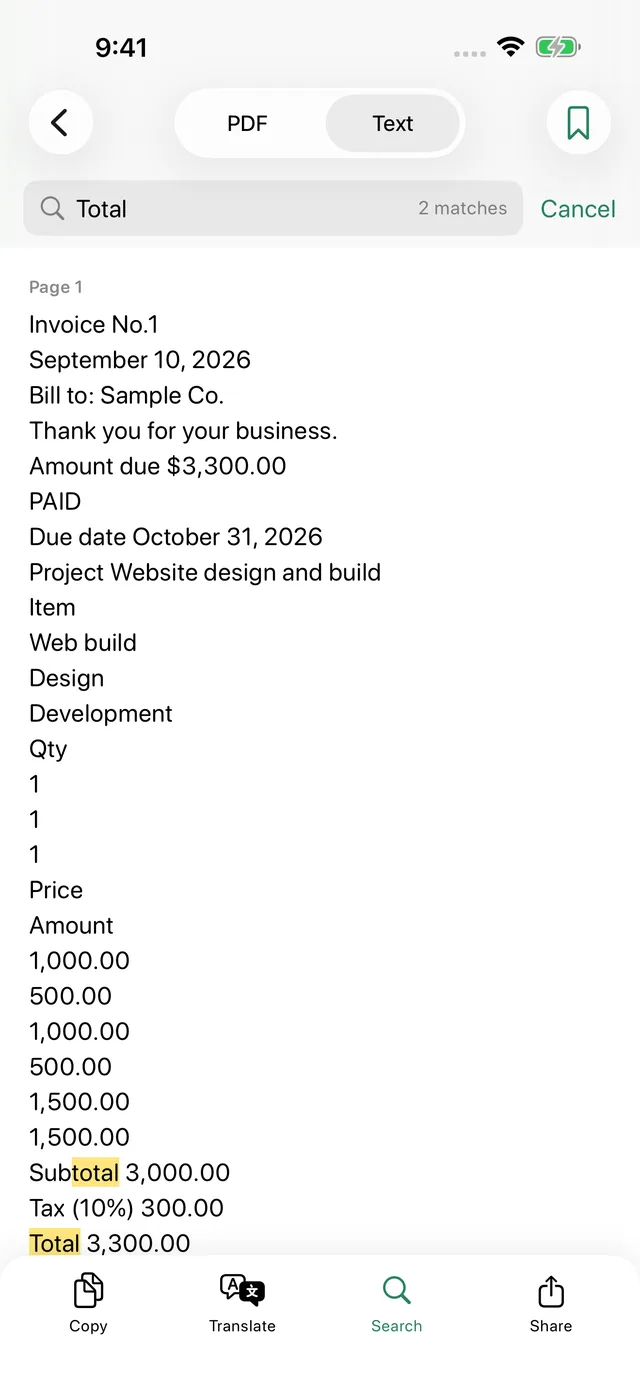
- Text is recognized so you can search inside your documents later, and recognition runs only on your device
- No login and no account to create
Things people ask when they switch
| Question | Capy Scan |
|---|---|
| Ads or watermarks? | No watermarks. No ads once you buy Pro |
| Subscription or page limits? | No subscription. Scanning and saving are free with no page limit. Pro is a single purchase |
| Where are files saved? | On your iPhone and in the Files app. No particular cloud service is required |
| I want JPGs | Export as PDF, JPG or text (JPG and text are Pro, and included in the 7-day free trial) |
| Business cards | Read a card and add it to Contacts on your iPhone (Pro) |
Bring your old scans along
Saved in Photos — Choose "Create from photos" on the Home screen. Capy Scan straightens the pages and makes a PDF.
PDFs or other files — Choose "Import files" on the Home screen. Pages that are only images are read in the background so you can search their text.
From another app — Use Share and pick Capy Scan to import directly.


Microsoft Lens is a trademark of Microsoft Corporation. Capy Scan is not affiliated with Microsoft.